
HLW Highly Recommends Ideate Software Tools for Revit
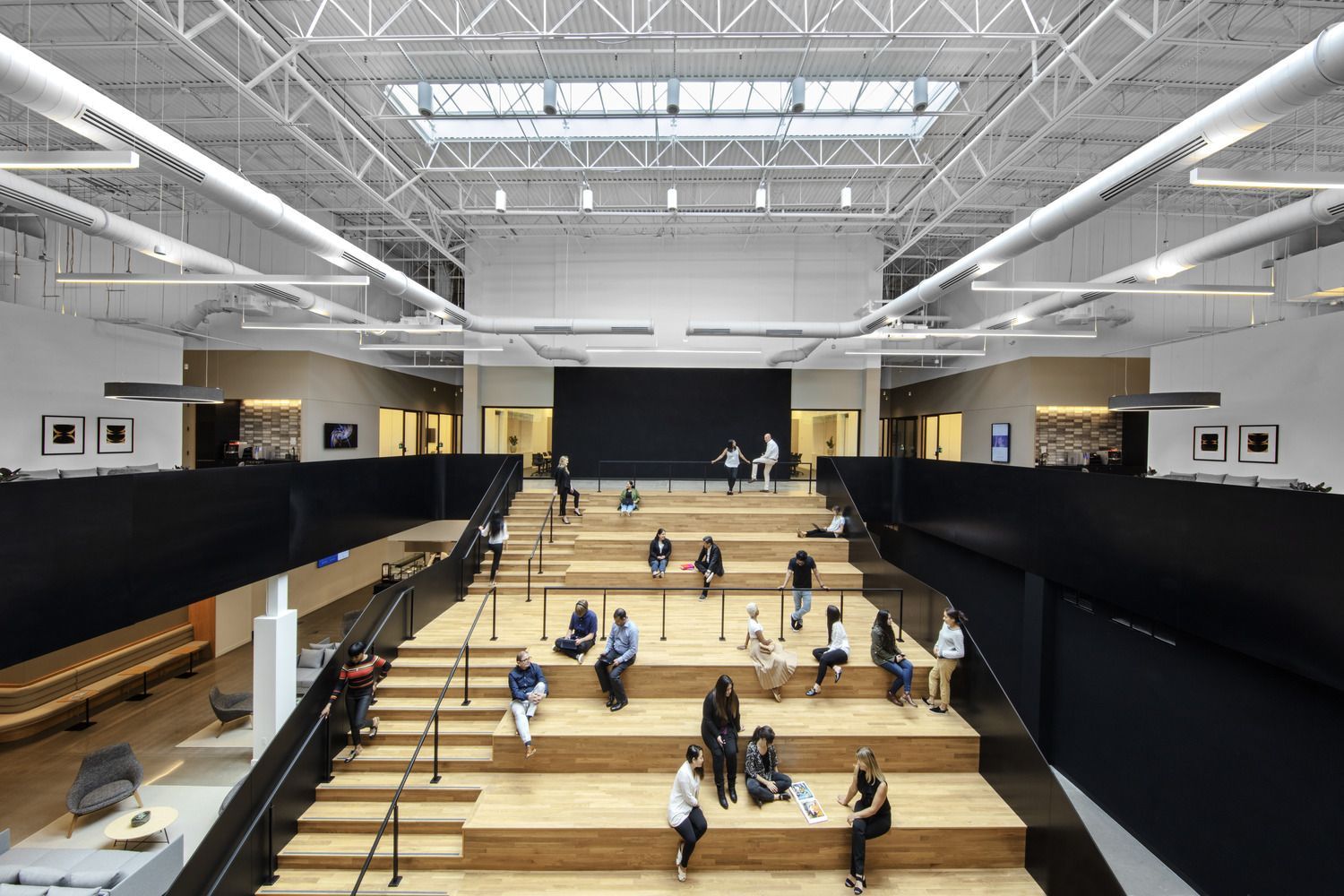
Headquartered in New York with offices in California, Connecticut, London and New Jersey, HLW has been designing buildings for more than 135 years. From the first dedicated telephone building in New York City to current work with leading technology companies, HLW’s designs have earned the firm a solid reputation in multiple sectors, including government, education, financial, residential, hospitality and technology. Instead of following a one-size-fits-all approach, HLW works to develop a deep knowledge of each customer’s organization and goals and then deliver spaces that reflect the customer’s unique mission, culture and values.

HLW and Ideate Software
“I use and love all the Ideate Software tools for Revit,” said Jeff Bailey, BIM Manager, HLW. “They allow HLW to stay on the forefront of integrating technology into architecture and design while providing a clean interface that doesn’t distract users or spam the toolbars with useless gizmos.”
Here are some of the ways that Jeff and the architects and designers at HLW use Ideate Software tools:
- Ideate Explorer
- Filter, locate and isolate specific elements or systems in a model
- Ensure elements reside in the proper workset
- Verify the accuracy of certain data exports used in project health checks
- Ideate BIMLink
- Ensure the consistency and accuracy of various kinds of schedules
- Ideate Sticky
- Add layers of information to drawing sets that might not exist in the model (e.g., bringing pro-forma local jurisdictional requirements into the package of deliverables, regardless of the original format)
- IdeateApps
- Ideate XRay – Nearly eliminate support tickets related to issues with visibility
- Ideate ViewCreator – Get projects set up quickly with standard views
- Ideate SpellCheck – Check a whole set of sheets to remove typos and minor mistakes in notes and other aspects of the drawing set before documents leave the office
- Ideate Clone – Document design options for client approval and advance designs
- Ideate StyleManager
- Keep clutter down, especially on larger, longer term legacy projects
- Develop or revamp templates
“At HLW, we continually challenge ourselves to reach beyond our imaginations to create places that enhance the user experience,”
said Jeff.
“The Ideate Software tools support us in this challenge by streamlining workflows, so we have more time to focus on innovative and creative thinking. I highly recommend them to my colleagues within HLW and within the architecture/design community.”

Browse the Ideate Software website for more information on how we can help streamline your Revit workflows.
Explore recent posts