
Team Delighted by Interest in Ideate Software Products at BIM World Munich

For the last couple of years, Ideate Software has increased its efforts to serve and connect with the BIM community in Germany. 


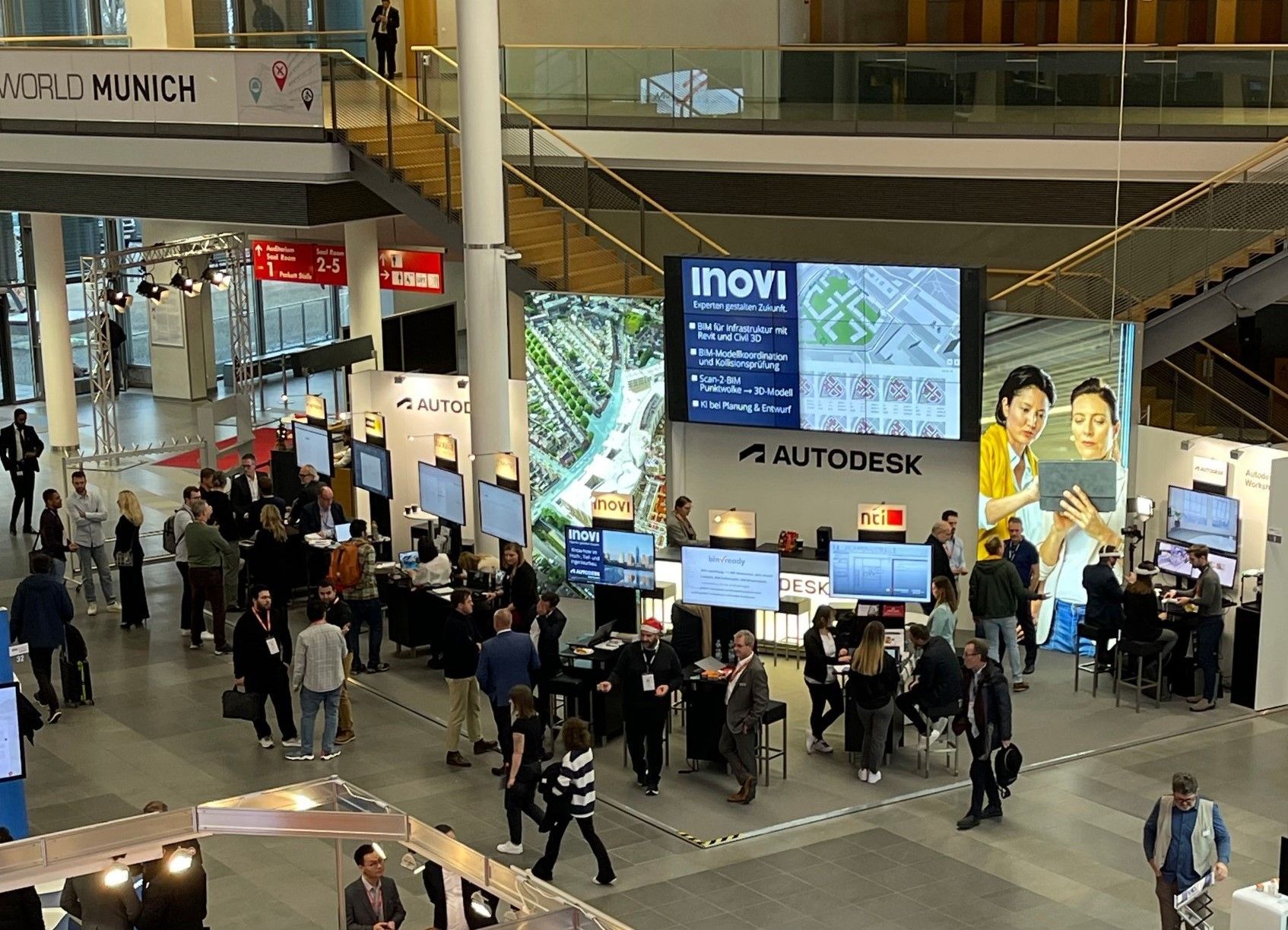
The number of existing customers and interested parties at our booth and presentation at BIM World Munich showed that our efforts are paying off!


We sincerely thank Markus Hiermer from Maxcad for his instrumental help throughout the process, including being at the booth to communicate the Ideate Software proposition clearly and effectively to the German-speaking audience.

Ideate Software at BIM World Municy

Also representing Ideate Software at the event were our UK/EMEA Customer Success Manager Steve Deadman, and our UK/EMEA Territory Lead Nick Johns. They commented on the large number of people asking for more information on our products, the excitement surrounding Ideate Automation, and the numerous demonstrations delivered on how to use our products to address Revit and BIM challenges.


The team was also pleased with the turnout at Steve’s presentation called “Quality Control and Best Practices for Success Project Delivery,” with approximately 60 people in the audience and several booth visits to continue the discussion.


As sponsors of the Evening Drinks Reception, Steve and Nick had the opportunity to connect with people from across the UK as well as other European countries in a casual environment. They enjoyed positive, insightful, and inspiring conversations on several topics, including BIM and women within the BIM arena, and Ideate Software tools for Revit. 
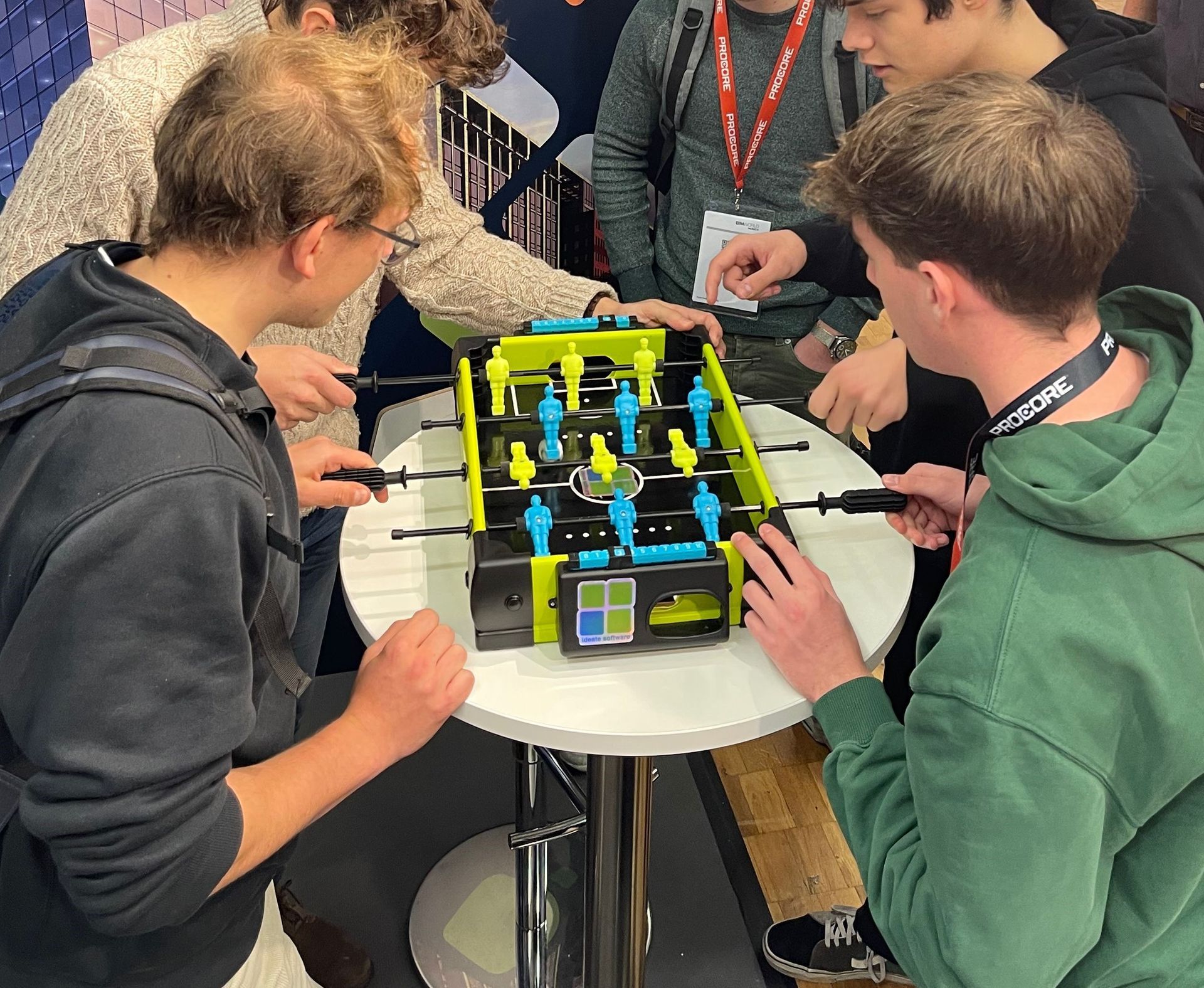
While BIM World Munich attendees were impressed with all our products, the one they asked about most often was Ideate Automation, which got a major overhaul earlier this year. Steve, Nick, and Marcus showed many people how to schedule Ideate Automation to run time-intensive BIM tasks, including:


  • Opening large Revit files
  • Running Revit “audit and compact” process to maintain file size
  • Exporting data from Revit into PDF, DWG, NCW, and IFC files
  • Publish files to Autodesk BIM 360 as often as daily


Browse our website for more information on our Revit addins and check out our Events page for more opportunities to connect with our team in person and virtually.


A Few Photos from the Event

Ideate Software at BIM World Munich
  • What is a Named User license?

    A Named User license is assigned to one specific person rather than shared across a network. For a step-by-step walkthrough, see the Graitec Licensing Help Center - Named User.

  • Are Ideate Suites replacing Ideate Software Bundles?

    Yes. Going forward, Ideate Suites replace Ideate Software Bundles.

  • What's the difference between the Ideate Software Bundle and the Ideate Suite?

    Both include the same five tools: IdeateApps, Ideate BIMLink, Ideate Explorer, Ideate Sticky and Ideate StyleManager. 


    • Bundle: Each tool is licensed separately, so different people can work in different tools at once. For example, with one Bundle, five people could each use a different tool at the same time.
    • Suite: One license covers all five tools for one person at a time. That person can move freely between every tool. While they're using the Suite, it isn't available to anyone else on that license until they finish.

    A Named User Suite is assigned to one specific person. A single Network Cloud Floating Suite can be shared across your team, one person at a time.


    Bundle to Suite Infographic


  • Will my team need more licenses?

    If several people on your team use different Ideate tools at the same time, you may need more than one Suite license. Contact us and we'll review your team's usage and help you choose the right setup.

  • Can I still buy an Ideate Software Bundle?

    No. Bundles are no longer available for purchase. New purchases are offered as follows:


    • Ideate Suite: Named User or Network Cloud Floating 
    • Enterprise Suite: Network Cloud Floating
    • Active Host: Network Cloud Floating
    • Automation: Network Cloud Floating
    • Individual products: Named User or Network Cloud Floating (IdeateApps, Ideate BIMLink, Ideate Explorer, Ideate Sticky, and Ideate StyleManager)
  • Can I still buy IdeateApps, BIMLink, Explorer, Sticky, or StyleManager individually?

    Yes. Individual products are available as Named User or Cloud Floating licenses until the new product lineup launches with the next major release, expected mid-2027.

  • Will floating (network) licenses still be available?

    Yes. FlexLM remains available for organizations with security requirements, such as environments without internet access. FlexLM is not available through the online store, so please contact your account manager to purchase.

  • My organization has strict security requirements or no internet access. Can I still get a FlexLM license?

    Yes. FlexLM remains available for organizations with security requirements, such as environments without internet access. FlexLM is not available through the online store, so please contact your account manager to purchase.

  • I'm an existing customer. What happens to my current license/s?

    Your existing Ideate Software subscription is moving to our new licensing system at no cost. Your license quantities and expiration dates stay the same.


    • Standalone licenses become Named User licenses. Set up your Named Users in the Graitec Advantage Portal.
    • Cloud Floating (network) licenses become Network Cloud Floating Suite licenses. Deploy the latest release as you have in the past, using the new license code in your migration email.
    • Each Ideate Software Bundle becomes an Ideate Suite.

    To keep using Ideate, update to the latest release and activate your new license by March 31, 2027. Older Ideate licenses will stop working in Q2 2027.


    Using Ideate with Revit 2022 or earlier? Contact ideatesupport@graitec.com to review your options. For account questions, contact sales@ideatesoftware.com.


  • I have a Bundle today. What will I receive when I move to the new licensing?

    Conversions are one for one. Each Ideate Software Bundle becomes one Ideate Suite, and each network Bundle becomes one Network Cloud Floating Suite. Your license quantities and expiration dates stay the same.

  • Where do I manage my licenses?

    In the Graitec Advantage Portal. Based on customer requests, starting with the latest Ideate release, license management and license usage information are handled in Graitec Advantage, outside of Revit. We recommend bookmarking the portal.


    • Named User licenses: Assign licenses to people on your team in Graitec Advantage.
    • Cloud Floating Suite licenses: Deploy the latest release with your new license code as you have in the past, then manage licenses in Graitec Advantage.

    Watch the Graitec Advantage walkthrough


  • Can I transfer a Named User license to another person?

    Yes. There's no limit on the total number of transfers, but each license can be transferred up to two times within a 30-day period.

  • How are licenses issued?

    Each product on your order is issued as its own license once your order is processed. To try a product before buying, contact us to request an evaluation license.

  • I want to try the Graitec AI Assistant now, but I don’t have my new license code yet. What should I do?

    Existing customers: We’re delivering new license codes to existing subscribers on a rolling basis over the next few weeks. If you need access sooner, contact your Graitec sales representative.


    New customers: The Graitec AI Assistant isn’t available in the Ideate trial. Contact your Graitec sales representative to request an evaluation license or purchase a 6-month subscription.

Still have a question?

Contact

Explore recent posts

Smarter Revit Workflows: Lessons from the Field with Grimshaw and Ideate Software
October 21, 2026
TRAINING - WEBINAR | Watch the recording of this session featuring Charleen Chae, BIM Lead for North America, and Tiago Santos, BIM Coordinator in London at Grimshaw Architects, alongside Ninad Garware, Technical Evangelist at Ideate Software, GRAITEC Group.
BladeRoom Cuts Revit Workflow Time by 70% with Ideate Software and Graitec Group
August 27, 2026
CLIENT TESTIMONIAL - ARTICLE | BladeRoom Group, a leader in modular data center construction, was struggling to manage the complexity of large-scale, data-heavy Revit projects without growing their team.
Smarter Control of Complex Revit Engineering Models | Webinar, April 2026
August 25, 2026
TRAINING - VIDEO | In this recorded webinar, see how MEP and structural engineers, BIM managers, and Revit power users can take control of complex models without adding more manual work to their day, using Ideate BIMLink, Ideate Explorer, IdeateApps, Ideate StyleManager, and Ideate Sticky.
What's New in Ideate Software, June 2026 Webinar
August 6, 2026
VIDEO - TRAINING | Watch this webinar to see how Ideate ExportHub, the newest addition to the IdeateApps suite, simplifies Revit export workflows. Learn how to centralize exports, automate batch and scheduled exports, apply intelligent naming rules, and create dynamic sheet and view sets for client deliverables.
Show More