
On the Road in Australia with Richard Taylor
A Recap of BiLT ANZ Conference and Visits to Sydney and Melbourne
Ideate Software’s Technical Evangelist, Richard Taylor took wing to visit Australia, September 2nd through 7th, 2024. In addition to attending the BiLT ANZ Conference, he also spent time with Ideate Software users across a variety of firms, sharing the newest efficiency-enhancing workflows and time-saving tools.
The BiLT Conference
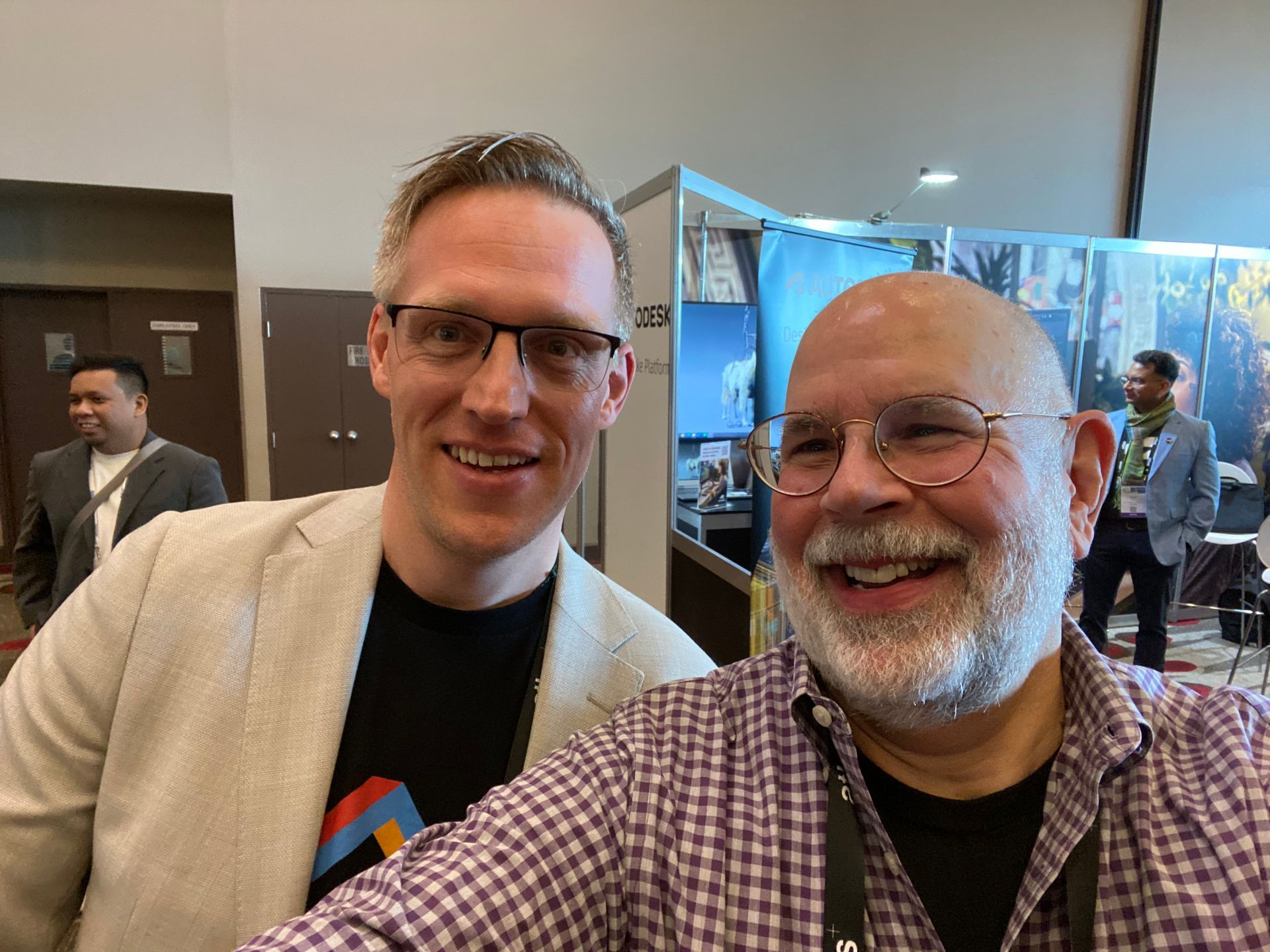
In Melbourne, AECO professionals convened at the BiLT Conference, for three meaningful days of enlightening speakers and socializing to advance people, processes and technology in the AECO industry. The show’s compact event space was a refreshing catalyst for participants to engage with each other, sparking productive conversations and fostering new relationships.
On Friday afternoon, Richard presented “Understanding the key metrics within a comprehensive Revit Model Health Check,” which highlighted some Ideate Software customers using Ideate Automation to perform these repetitive tasks. There was an audience of over 50 attendees in the room for the main stage BiLT presentations. We’re looking forward to returning to the Sydney BiLT ANZ Conference in 2025!
On Tour to Ideate Software Clients
Attending BiLT ANZ wasn’t Richard’s only Australia mission. He also visited with architecture firms from Sydney to Melbourne, hosting information sessions and presentations to help their team members use Ideate Software solutions to enhance their Revit workflows. Among the highlights were a deep dive into using Rooms tags across sheets and views with PTW Architects and an exciting question and answer session about Ideate Automation at Woods Bagot.
Conferences and city tours aren’t the only way you can connect with Ideate Software. In addition to our support desk, our Resource Library will immerse you in webinars, videos and articles to help you reduce errors while adding time-saving efficiencies to your Revit workflows.

Conferences and city tours aren’t the only way you can connect with Ideate Software. In addition to our support desk, our Resource Library will immerse you in webinars, videos and articles to help you reduce errors while adding time-saving efficiencies to your Revit workflows.
What is a Named User license?
A Named User license is assigned to one specific person rather than shared across a network. For a step-by-step walkthrough, see the License Wizard section of the Graitec Licensing Help Center.
Are Ideate Suites replacing Ideate Software Bundles?
Yes. Going forward, Ideate Suites replace Ideate Software Bundles.
What's the difference between the Ideate Software Bundle and the Ideate Suite?
Both include the same five tools: IdeateApps, Ideate BIMLink, Ideate Explorer, Ideate Sticky and Ideate StyleManager. What changes is how many people can use them at the same time.
- Bundle: Each tool is licensed separately, so different people can work in different tools at once. For example, with one Bundle, five people could each use a different tool at the same time.
- Suite: One license covers all five tools for one person at a time. That person can move freely between every tool. While they're using the Suite, it isn't available to anyone else on that license until they finish.
A Named User Suite is assigned to one specific person. A Cloud Floating Suite can be shared across your team, one person at a time.
Will my team need more licenses?
If several people on your team use different Ideate tools at the same time, you may need more than one Suite license. Contact us and we'll review your team's usage and help you choose the right setup.
Can I still buy an Ideate Software Bundle?
No. Bundles are no longer available for purchase. New purchases are offered as follows:
- Ideate Suite: Named User or Cloud Floating
- Enterprise Suite: Cloud Floating
- Active Host: Cloud Floating
- Automation: Cloud Floating
- Individual products: Named User or Cloud Floating (IdeateApps, Ideate BIMLink, Ideate Explorer, Ideate Sticky, and Ideate StyleManager)
Can I still buy IdeateApps, BIMLink, Explorer, Sticky, or StyleManager individually?
Yes. Individual products are available as Named User or Cloud Floating licenses.
Will floating (network) licenses still be available?
Yes. Cloud Floating licenses are available for Ideate Suite, Enterprise Suite, Active Host, individual products, and Automation.
My organization has strict security requirements or no internet access. Can I still get a FlexLM license?
Yes. FlexLM remains available for organizations with security requirements, such as environments without internet access. FlexLM is not available through the online store, so please contact your account manager to purchase.
I'm an existing customer. What happens to my current license/s?
Your existing Ideate Software subscription is moving to our new licensing system at no cost. Your license quantities and expiration dates stay the same.
- Standalone licenses become Named User licenses. Set up your Named Users in the Graitec Advantage Portal.
- Cloud Floating (network) licenses become Cloud Floating Suite licenses. Deploy the latest release as you have in the past, using the new license code in your migration email.
- Each Ideate Software Bundle becomes an Ideate Suite.
To keep using Ideate, update to the latest release and activate your new license by March 31, 2027. Older Ideate licenses will stop working in Q2 2027.
Using Ideate with Revit 2022 or earlier? Contact ideatesupport@graitec.com to review your options. For account questions, contact sales@ideatesoftware.com.
I have a Bundle today. What will I receive when I move to the new licensing?
Conversions are one for one. Each Ideate Software Bundle becomes one Ideate Suite, and each network Bundle becomes one Cloud Floating Suite. Your license quantities and expiration dates stay the same.
I have several products that renew on different dates. How will that be handled?
We're finalizing how to handle accounts with multiple renewal dates. Contact sales@ideatesoftware.com and we'll review your account with you.
Where do I manage my licenses?
In the Graitec Advantage Portal. Based on customer requests, starting with the latest Ideate release, license management and license usage information are handled in Graitec Advantage, outside of Revit. We recommend bookmarking the portal.
- Named User licenses: Assign licenses to people on your team in Graitec Advantage.
- Cloud Floating Suite licenses: Deploy the latest release with your new license code as you have in the past, then manage licenses in Graitec Advantage.
Watch the Graitec Advantage walkthrough
Can I transfer a Named User license to another person?
Yes. There's no limit on the total number of transfers, but each license can be transferred up to two times within a 30-day period.
How are licenses issued?
Each product on your order is issued as its own license once your order is processed. To try a product before buying, contact us to request an evaluation license.
Still have a question?
Explore recent posts