
On-Demand, Lightning-Fast Training Sessions Now Available
As we continue our newly launched bi-weekly, 15-minute sessions on specific workflows, we will amass quite a collection of recordings of training sessions that deliver demonstrations on how to use our tools to address challenges faced by BIM managers and Revit users in all disciplines.
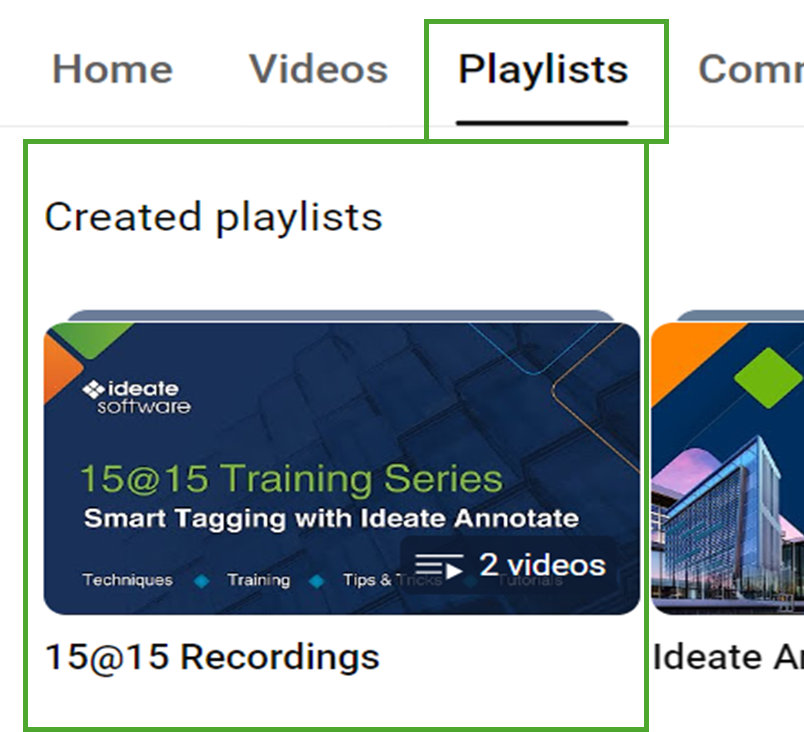
To make it easy for customers to find the information they need, we are giving each session a descriptive title and housing all recordings together in a playlist on our YouTube channel called 15@15 Recordings.
Have a workflow you’d like featured? Contact support@ideatesoftware.com.
Explore recent posts

CLIENT TESTIMONIAL - ARTICLE | BladeRoom Group, a leader in modular data center construction, was struggling to manage the complexity of large-scale, data-heavy Revit projects without growing their team.

TRAINING - VIDEO | In this recorded webinar, see how MEP and structural engineers, BIM managers, and Revit power users can take control of complex models without adding more manual work to their day, using Ideate BIMLink, Ideate Explorer, IdeateApps, Ideate StyleManager, and Ideate Sticky.
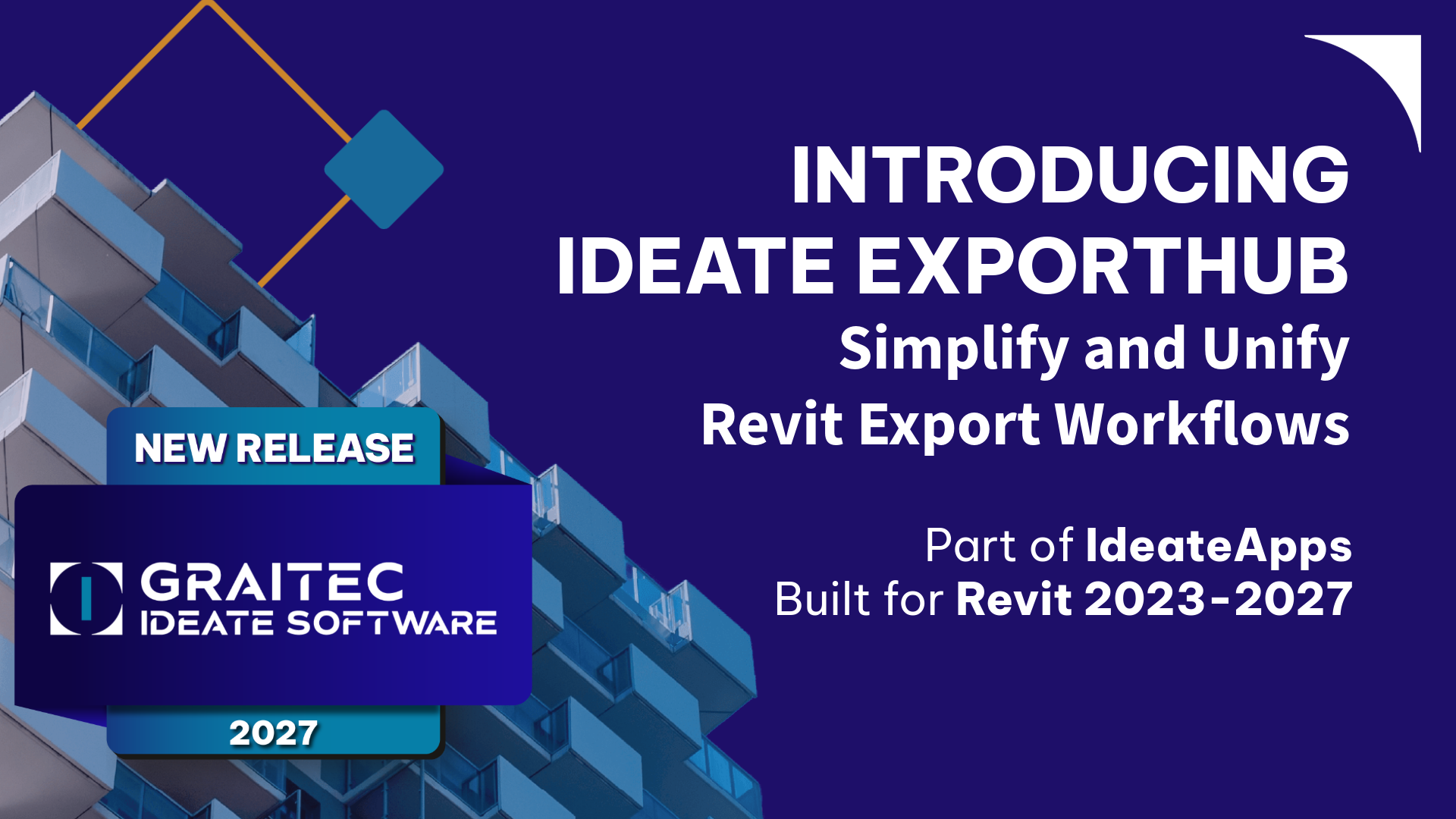
VIDEO - TRAINING | Watch this webinar to see how Ideate ExportHub, the newest addition to the IdeateApps suite, simplifies Revit export workflows. Learn how to centralize exports, automate batch and scheduled exports, apply intelligent naming rules, and create dynamic sheet and view sets for client deliverables.

TRAINING - VIDEO | Master even the most complex Revit export workflows with Ideate ExportHub, part of IdeateApps, and Ideate Automation.