
How to Automate Revit Material Management for Better BIM Workflows
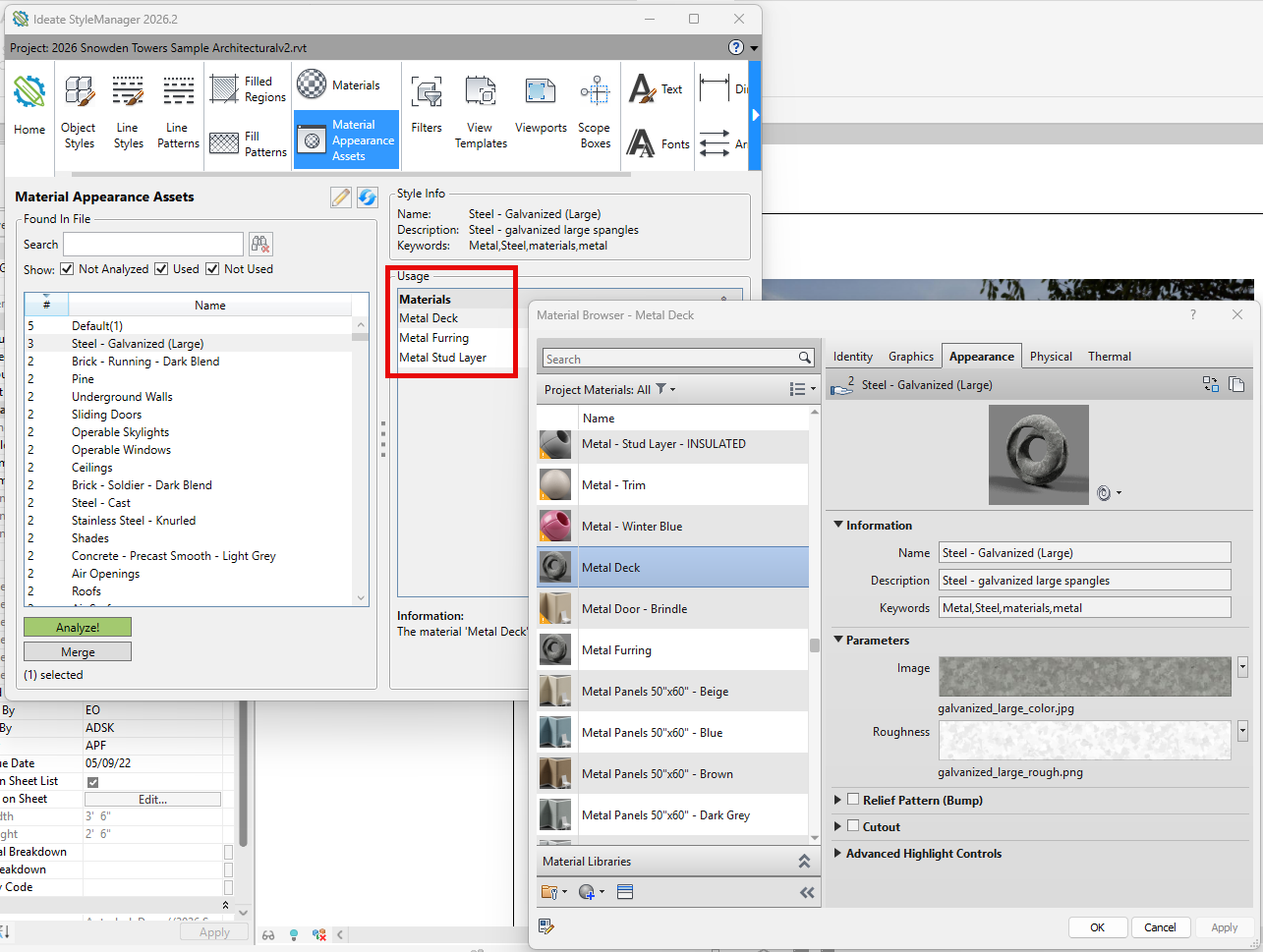
Struggling with Revit material management? You’re not alone. Managing Revit material assets in the native Material Browser can lead to accidental edits, duplicated assets, and inconsistent data across projects. These challenges slow down workflows and make effective BIM material management harder than it should be.
With Ideate Software Revit tools, teams can take control of their materials by automating repetitive tasks, improving visibility, and ensuring consistency across models. Tools like Ideate StyleManager help audit and clean up material libraries, Ideate BIMLink enables bulk editing of material data, and Ideate Automation allows you to scale these workflows across multiple projects.
The result is faster workflows, more accurate data, and better project outcomes without the manual effort typically required in Revit.
This article is a condensed version of content originally published on the Graitec website. Read the full article here.
Explore recent posts